Best CPU and GPU Combos in 2026 — Balanced Pairings for Every Budget
Balanced CPU and GPU pairings for 2026, from budget 1080p builds to flagship 4K. Each one checked for bottleneck percentage and the resolution it suits.
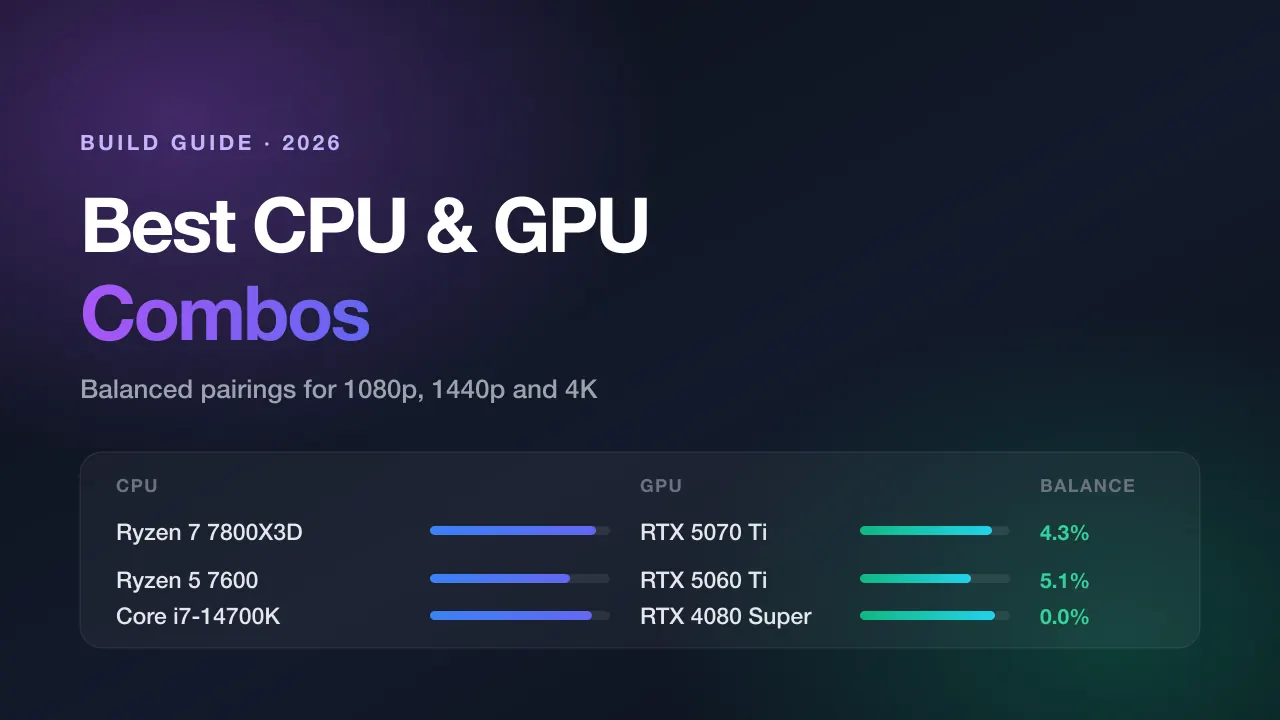
Picking a CPU and GPU that suit each other matters more than picking the fastest of either. A balanced mid-range build routinely delivers more frames per dollar than a mismatched expensive one — and a mismatch cuts both ways: an underpowered processor starves a fast graphics card, while an overpowered one is money that never reaches your screen.
Below are the pairings that work well in 2026, grouped by the resolution each is actually built for. Every combination has been checked with our bottleneck calculator so the balance figures match what the tool will tell you.
A note on how to read this: every pairing lists the performance score our database assigns each part (0–100, benchmark-derived) and the resolution it is balanced for. The scores are relative, not absolute — they exist to compare parts against each other, not to predict a frame rate.
How to judge a pairing
Three rules cover almost every build decision, and what a bottleneck actually is explains why the third one matters most:
- Resolution decides where the load goes. At 1080p the CPU prepares frames fast enough to become the limit. At 4K the GPU is doing so much work per frame that the CPU has time to spare. The same pair of components can be CPU-bound at 1080p and GPU-bound at 4K.
- Aim for the GPU to be slightly ahead. A small GPU bottleneck is the healthy state for a gaming PC — it means the graphics card is the thing working hardest, which is what you paid it to do. Small CPU bottlenecks are more disruptive because they show up as stutter and frame-time spikes rather than a lower average.
- Budget split, for gaming: roughly 55–65% GPU. Shift toward the CPU for esports at high refresh rates, simulation and strategy games, streaming while playing, or productivity work. Shift toward the GPU for single-player AAA titles at high settings.
Budget 1080p builds
These target 60–100 FPS at 1080p high settings. The goal here is to avoid wasting money on a processor the graphics card can’t keep busy.
| CPU | Score | GPU | Score | Balanced at |
|---|---|---|---|---|
| Intel Core i5-12400F | 68 | NVIDIA RTX 4060 | 62 | 1080p |
| AMD Ryzen 5 5600 | 70 | AMD RX 7600 | 58 | 1080p |
| Intel Core i5-13400F | 70 | NVIDIA RTX 5060 | 66 | 1080p |
| AMD Ryzen 5 5600X | 73 | AMD RX 7600 XT | 60 | 1080p |
Why these work. The CPU sits a little above the GPU in every row, which is the correct shape for 1080p — the resolution where the processor is most likely to become the limit. The i5-12400F and Ryzen 5 5600 are the value anchors of this tier: both are six-core parts with SMT, both are still widely available, and neither will hold back a card in this class.
What to avoid at this tier. Do not pair a budget GPU with a flagship CPU. A Core i9-14900K (98) driving an RTX 4060 (62) produces a large GPU bottleneck — the processor idles, and the money spent on it never becomes frames. If your budget is fixed, that same money buys a meaningfully faster graphics card instead.
Watch VRAM, not just the score. The RTX 4060, RTX 5060 and RX 7600 all ship with 8 GB. At 1080p that is workable today, but several 2025–2026 titles will exceed it at high texture settings. If you expect to keep the card for several years, the 16 GB variants are the safer buy.
Mid-range 1440p builds
This is where most people should be building in 2026. 1440p is demanding enough that the GPU carries the load, which means a mid-range CPU goes a long way.
| CPU | Score | GPU | Score | Balanced at |
|---|---|---|---|---|
| AMD Ryzen 5 7600 | 78 | NVIDIA RTX 5060 Ti | 74 | 1440p |
| AMD Ryzen 5 7600 | 78 | AMD RX 7800 XT | 76 | 1440p |
| AMD Ryzen 7 5700X3D | 79 | AMD RX 9070 | 75 | 1440p |
| AMD Ryzen 5 9600X | 82 | NVIDIA RTX 5070 | 82 | 1440p |
| Intel Core i5-14600K | 83 | AMD RX 9070 XT | 82 | 1440p |
| AMD Ryzen 7 5800X3D | 84 | NVIDIA RTX 4070 Super | 78 | 1440p |
The value pick. Ryzen 5 7600 with an RTX 5060 Ti or RX 7800 XT. The 7600 is a six-core part that punches well above its tier in games, and at 1440p neither of these cards will ever be waiting on it.
The X3D exception. The Ryzen 7 5700X3D (79) and 5800X3D (84) carry large L3 caches that make them behave like far more expensive processors in games, while remaining on the older AM4 platform. If you already own an AM4 motherboard, an X3D drop-in is the single most cost-effective upgrade available in 2026 — no new board, no new memory.
The upgrade-path question. Ryzen 5 9600X and Core i5-14600K both sit on current sockets, which matters if you intend to upgrade the CPU again in two or three years. The AM4 X3D parts are the better value today; AM5 and LGA1700 are the better platforms to grow into.
High-end 1440p and entry 4K
Here the CPU starts to matter again — not because 1440p is CPU-bound, but because these graphics cards are fast enough to push frame rates into the range where the processor becomes relevant.
| CPU | Score | GPU | Score | Balanced at |
|---|---|---|---|---|
| AMD Ryzen 7 7800X3D | 92 | NVIDIA RTX 5070 Ti | 88 | 1440p / 4K |
| AMD Ryzen 7 9700X | 88 | AMD RX 7900 XT | 86 | 1440p / 4K |
| Intel Core i7-14700K | 90 | NVIDIA RTX 4080 Super | 90 | 4K |
| AMD Ryzen 7 7800X3D | 92 | AMD RX 7900 XTX | 93 | 4K |
The best gaming pairing of 2026. Ryzen 7 7800X3D with an RTX 5070 Ti. The 7800X3D remains the strongest pure gaming CPU relative to its price, and the 5070 Ti’s 16 GB of VRAM removes the memory ceiling that limits 12 GB cards at 1440p and 4K. Balanced at both resolutions, which is unusual and useful — it means the build stays sensible if you upgrade your monitor.
If you also work on this machine. The 7800X3D is a gaming specialist. For rendering, compiling or heavy multitasking, the Core i7-14700K (20 cores, 28 threads) or Ryzen 9 9700X will serve you better for the same money, at a small cost in frame rate.
Flagship 4K builds
At 4K the graphics card does nearly all the work. The CPU’s job is simply to not get in the way.
| CPU | Score | GPU | Score | Balanced at |
|---|---|---|---|---|
| AMD Ryzen 7 9700X | 88 | NVIDIA RTX 5080 | 94 | 4K |
| Intel Core i7-14700K | 90 | NVIDIA RTX 4090 | 99 | 4K |
| AMD Ryzen 9 7950X3D | 96 | NVIDIA RTX 5090 | 100 | 4K / 8K |
| Intel Core i9-14900K | 98 | NVIDIA RTX 5090 | 100 | 4K / 8K |
Where the money should go. Note the shape of these rows: the GPU score is higher than the CPU score in every one. That is correct at 4K. A Ryzen 7 9700X (88) paired with an RTX 5080 (94) will not hold that card back at 4K — and the money saved versus a Ryzen 9 is better spent on the GPU, faster memory, or a better display.
When the flagship CPU genuinely earns its price. Three cases: you play simulation or strategy games with heavy CPU loads (Cities: Skylines II, Total War, Factorio at scale); you stream while playing without a capture card; or you render, compile, or edit video on the same machine. Otherwise, at 4K, a mid-to-high-end CPU and a flagship GPU is the better build.
Combos to avoid
Four failure patterns account for most disappointing builds, and each is a case of the wrong component reaching its ceiling first:
- Flagship CPU with entry GPU — Core i9-14900K (98) with an RTX 4060 (62). Very large GPU bottleneck. The processor is idle and the money is wasted.
- Old budget CPU with current high-end GPU — an aging quad-core with an RTX 5070 Ti. Severe CPU bottleneck at every resolution, with stutter and frame-time spikes rather than a merely lower average.
- 8 GB VRAM at 1440p and above — the bottleneck calculator reports the compute mismatch, but it cannot see a VRAM ceiling. When a card runs out of memory, frame times collapse in a way no score captures. At 1440p and above, treat 12 GB as the floor and 16 GB as comfortable.
- Single-channel memory — running one stick instead of two costs real frame rate regardless of how well matched your CPU and GPU are, and it hits AMD Ryzen hardest. Always populate two channels.
Check your own pairing
These tables cover common builds, but they can’t cover every combination — our database holds 102 CPUs and 76 GPUs, which is 7,752 possible pairings. If your parts aren’t listed, check the CPU bottleneck calculator for whether the processor holds your refresh target, the GPU bottleneck calculator for whether the card is short on compute or memory, or run the pair through the bottleneck calculator directly. It accounts for your resolution, RAM configuration and intended workload, all of which change the answer.
If you want to understand the arithmetic behind the number rather than just the result, how to calculate CPU and GPU bottleneck walks through the calculator method, real-time monitoring with MSI Afterburner and HWiNFO, and the manual benchmark maths.
Key takeaways
- Balance beats raw speed. A well-matched mid-range build outperforms a mismatched expensive one per dollar spent.
- Let resolution drive the split: more GPU as resolution rises, more CPU for esports, simulation, streaming and productivity.
- A small GPU bottleneck is the healthy state for a gaming PC. Small CPU bottlenecks are the ones you actually feel.
- At 1440p and above, VRAM capacity is a separate constraint that no bottleneck percentage accounts for.
- Under 10% bottleneck is balanced; 10–25% is normal; above 25% means rebalancing the build will buy you more frames than upgrading either part.