What Is Bottlenecking on a PC?
Every PC has a bottleneck — the question is whether you can feel it. What bottlenecking means, which parts cause it, and what it is not.
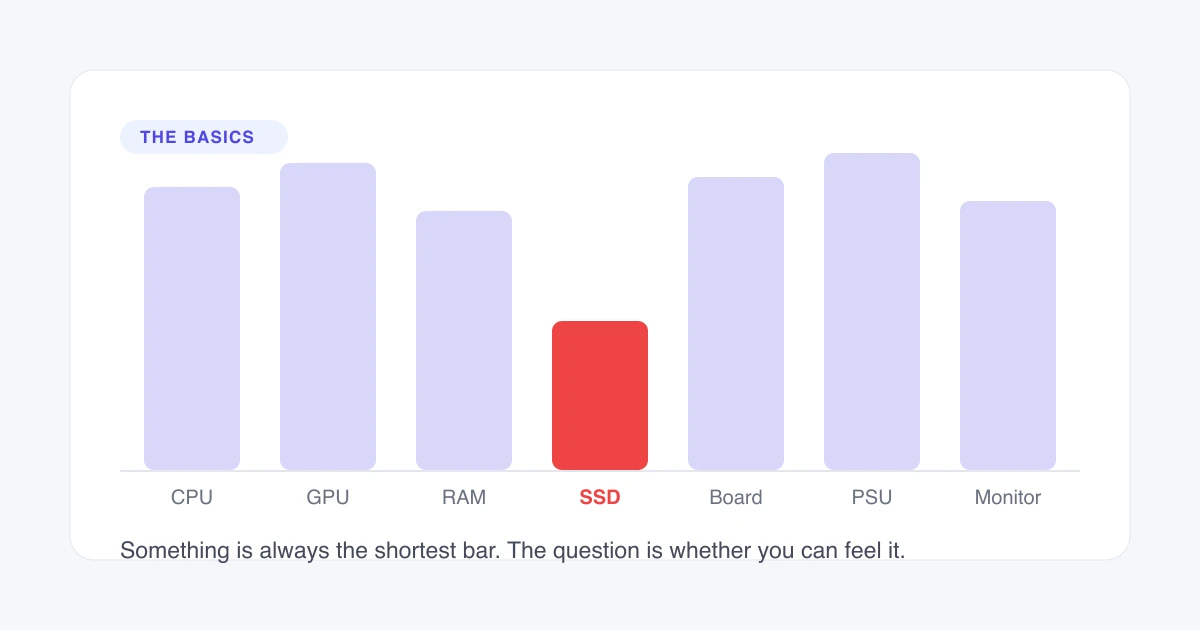
Bottlenecking on a PC means one component reaches its limit before the others, so the rest wait on it. The waiting parts have performance you paid for and cannot reach. Every PC has a bottleneck somewhere, and the only question that matters is whether you can feel this one.
What Bottlenecking Means
Bottlenecking is one component in a system reaching its capacity while the others still have headroom. The component that fills up first sets the rate for everything that depends on it, and the spare capacity elsewhere becomes unreachable rather than merely unused.
A SATA solid-state drive fitted to a PCIe 5.0 slot shows the shape of it in one piece of hardware. The slot can carry many times what the drive can deliver, so the drive sets the transfer rate and the slot’s remaining bandwidth cannot be spent on anything. Replacing the slot changes nothing. Replacing the drive changes everything. That is a bottleneck: the limit belongs to one part, and the fix belongs to the same part.
In a gaming PC the same relationship usually runs between the processor and the graphics card. The CPU prepares each frame and the GPU draws it, in that order, and whichever finishes later sets the frame rate. Nothing you do to the faster component moves that number.
The order matters, because it decides which direction the waiting runs. A CPU that finishes late leaves the GPU with nothing to draw, so the GPU sits idle mid-frame. A GPU that finishes late leaves the CPU with nowhere to send its next batch of work, so the CPU waits instead. Both are bottlenecks and both cost frames, but they respond to completely different fixes.
The limiting component is the term for whichever part reaches its ceiling first. Naming it is the entire point of measuring, because it is the only part that responds to money.
Every PC Has a Bottleneck
Every PC has a bottleneck. The only question is whether you can feel it. Something in the machine is always the slowest part for the task in front of it, and that part decides the result.
A perfectly balanced system is not a realistic target, because balance is not a property of the hardware. It is a property of the hardware and the workload together. A pair of components that sit level in one game will be uneven in the next, so a machine tuned to zero imbalance in one title has simply chosen which title to be balanced in.
A balanced system would not be desirable even if it were achievable. Perfect balance means every component reaches its ceiling simultaneously, which leaves no headroom anywhere and no way to buy more performance without replacing everything at once. A build with a clear limiting component has an obvious and affordable upgrade path.
The word carries the wrong weight, which is most of why the question gets asked at all. “Bottleneck” sounds like a diagnosis, so finding one reads as bad news. In practice it is a description of which part is doing the most work, and in a machine built for a purpose that part should be predictable in advance.
The consequence is a change of question. “Do I have a bottleneck” has one answer for every machine ever built, and it is yes. The two questions worth asking are whether the limit is perceptible during something you actually do, and whether it sits on the component you would have chosen to be the constraint. A gaming build should be limited by its graphics card; a workstation should be limited by its processor. A limit on the part you did not expect is the finding worth acting on.
Which Bottlenecks Can You Actually Feel?
A measurable limit and a perceptible limit are different things, and most bottlenecks fall into the first category only. A tool can report a gap between two components long before that gap changes anything you experience.
Perceptibility tracks frame-time consistency more closely than it tracks average frame rate. Frame time is the duration of a single frame, and evenly spaced frames feel smooth while unevenly spaced frames feel broken. A machine can lose a slice of its average frame rate to a limit and feel identical, and it can keep the same average while feeling far worse.
Identical average, different to play
Same average frame rateIllustration of the mechanism, not measured data.
That is why two systems reporting the same average frame rate can be described differently by the people using them. The average is a summary of a second’s worth of frames, and a summary cannot express how those frames were spaced. Where a limit adds spikes rather than lowering the whole curve, you feel it.
The practical threshold is lower than most people expect for stutter and higher than most people expect for a plain frame-rate loss. A modest, even reduction in frame rate is close to invisible in play. A handful of long frames per minute is not, however healthy the average looks.
Variable refresh rate changes the threshold again. A display that matches its refresh rate to the frame rate removes the tearing and judder that an uneven frame rate would otherwise produce, which raises the level of inconsistency a machine can carry before you notice it. The same limit on a fixed-refresh panel is more visible than on a variable-refresh one.
The practical consequence is that a reported percentage cannot tell you whether to act. It tells you a gap exists. Whether that gap is worth money depends on how it arrives, and only playing the game answers that.
Does Your Bottleneck Change With the Workload?
Your bottleneck changes with the workload, and it changes often enough that a single measurement describes a task rather than a computer. The same machine can be processor-limited in one game and graphics-limited in the next.
Genre moves it. A strategy or simulation title tracking thousands of independent entities loads the CPU heavily and the GPU lightly. A ray-traced showcase at a high preset does the reverse. Both can run on the same hardware within the same hour and report opposite limits.
Resolution moves it too, in a direction that surprises people. CPU work per frame stays roughly flat as resolution rises, while GPU work per frame climbs with the pixel count, so raising resolution shifts a machine toward its graphics card. Lowering it shifts the machine back toward its processor. CPU vs GPU bottleneck sets out how each limit behaves across resolutions.
Settings, upscaling and frame generation each move it as well. A workload profile is the combination of game, resolution and settings that a measurement applies to, and a result quoted without one is incomplete.
The limit can also move inside a single session. Crossing into a dense area loads the CPU harder than standing still does, and an effect-heavy sequence loads the GPU harder than an empty corridor. A machine that is graphics-limited in ordinary play can become processor-limited for the seconds that matter most, which is exactly when a stutter is least welcome.
Which Components Can Be the Limit?
Seven components can become the limiting component, and each one fails in a way that identifies it. Two of them are not really performance limits at all, which is worth knowing before reading the table: a power supply does not slow a machine down, and a monitor does not slow one down either. A power supply that cannot meet demand shuts the system off, and a monitor simply declines to show frames the hardware already produced.
On a machine without a separate graphics card the list collapses: integrated graphics share their memory bandwidth with the processor, so the two cannot be weighed against each other in the usual way. The processor and the graphics card account for the large majority of felt limits in games. Memory and storage account for most of the rest, and they announce themselves as stutter and loading time rather than as a lower frame rate. The board and the power supply matter most at upgrade time, when they decide what the machine is allowed to accept.
| Component | How its limit shows |
|---|---|
| CPU | Frame rate ignores graphics settings, and stutter arrives before the average drops |
| GPU | Frame rate responds to settings and resolution in proportion |
| RAM | Hitching while both processor and graphics card show headroom |
| Storage | Long loads and texture pop-in, with steady frame rates otherwise |
| Motherboard | Clocks that fall under sustained load, or an upgrade the board cannot accept |
| PSU | The machine shuts down or restarts under load rather than running slower |
| Monitor | Frame rate stops at a round number and refuses to move |
Each component that can become the limiting component, and the symptom that identifies it.
What Bottlenecking Is Not
Four beliefs about bottlenecking are wrong, and each one leads to wasted money or wasted time.
Bottlenecking is not hardware damage. A component waiting on another draws less power and runs cooler than one working at full load. Every part stays inside its designed voltage, temperature and power limits whichever one is the constraint. Damage comes from cooling failures and unstable overclocks; a bottleneck causes neither.
Bottlenecking is not a defect. It is a description of a relationship between two parts, not a fault in either. A graphics card reaching maximum utilisation in a game is doing exactly what it was bought to do, and calling that a bottleneck makes it sound like a problem when it is the intended arrangement.
Bottlenecking is not fixed by optimising Windows. Disabling background services, clearing temporary files and applying registry tweaks do not change how fast a processor prepares a frame or how fast a graphics card shades a pixel. Closing genuinely heavy background software helps a CPU limit; general system cleaning does not.
A bottleneck percentage is not a percentage of lost frames. A result of 20% does not mean 20% fewer frames per second. The figure describes the headroom gap between two components under one workload, which is a different quantity entirely. Our bottleneck percentage ranges are published with what each one actually calls for, and how to check for a bottleneck on your PC covers confirming it on your own machine.